
Team NFC Card Rollout Checklist
Rolling out cards for a whole team is easier when the profile fields, approval flow, and reordering process are planned up front.
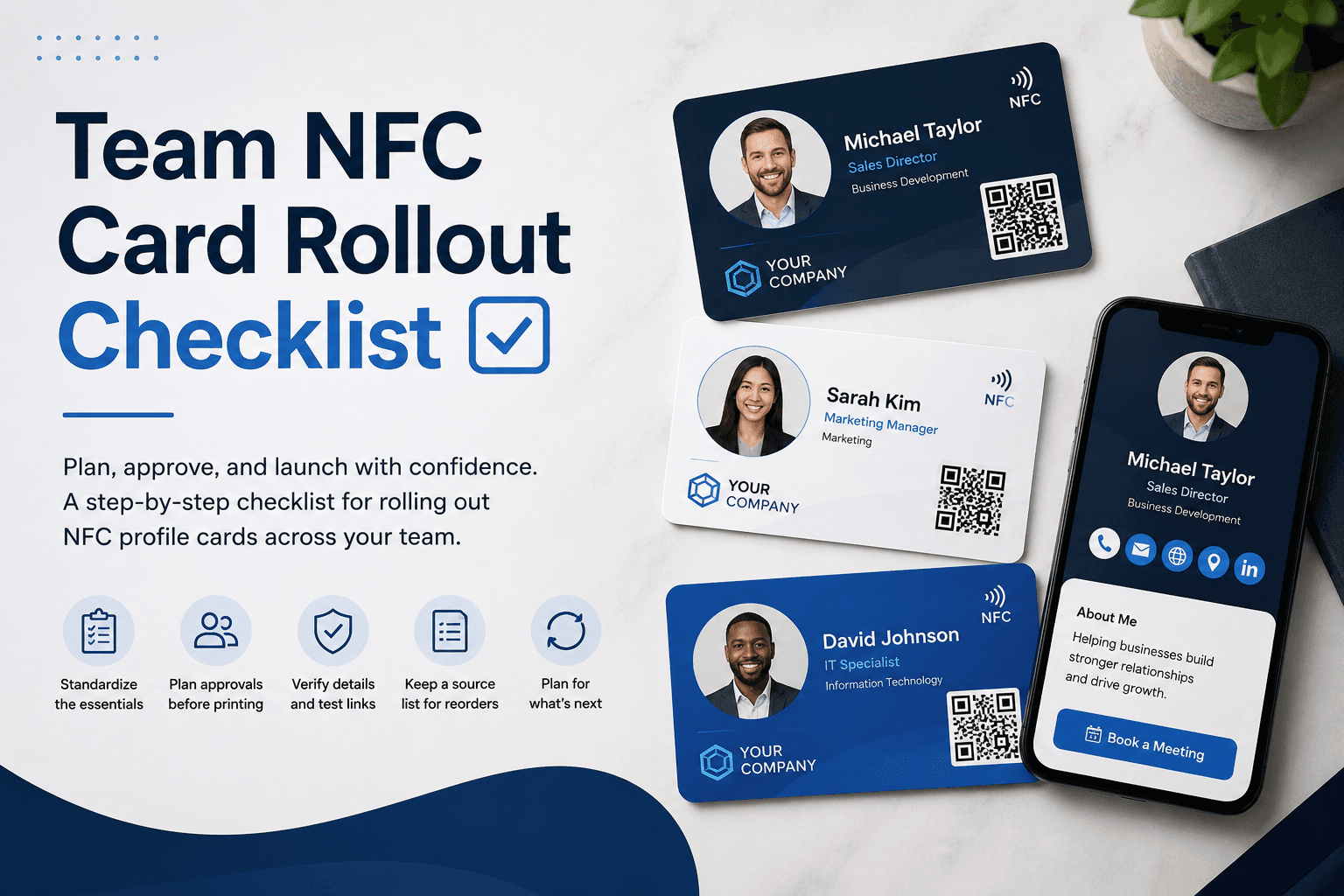
Standardize the essentials
Before design begins, decide which fields every profile must include. This usually means name, title, department, phone, email, company website, and location.
Standard fields keep the experience consistent while still allowing each person to personalize links, bios, or booking actions where appropriate.
Plan approvals before printing
Team orders move faster when there is one clear approval owner. Have that person confirm spelling, titles, phone numbers, QR destinations, and design variants before production.
This small checkpoint prevents reprints and keeps launch timelines predictable.
- Confirm names, roles, emails, and phone numbers
- Review brand colors and logo placement
- Test every profile URL before approval
- Keep a source list for future reorders
Think beyond the first order
A good rollout includes a plan for new hires, title changes, replacement cards, and team-level profile updates.
Because the digital profile can be updated, your team can keep using the same card while refreshing campaigns, links, and contact information over time.