Smart NFC Business Cards: A Practical Guide for Modern Teams
A clear guide to how smart NFC cards work, what they should share, and why they make networking easier for sales teams, founders, and service businesses.
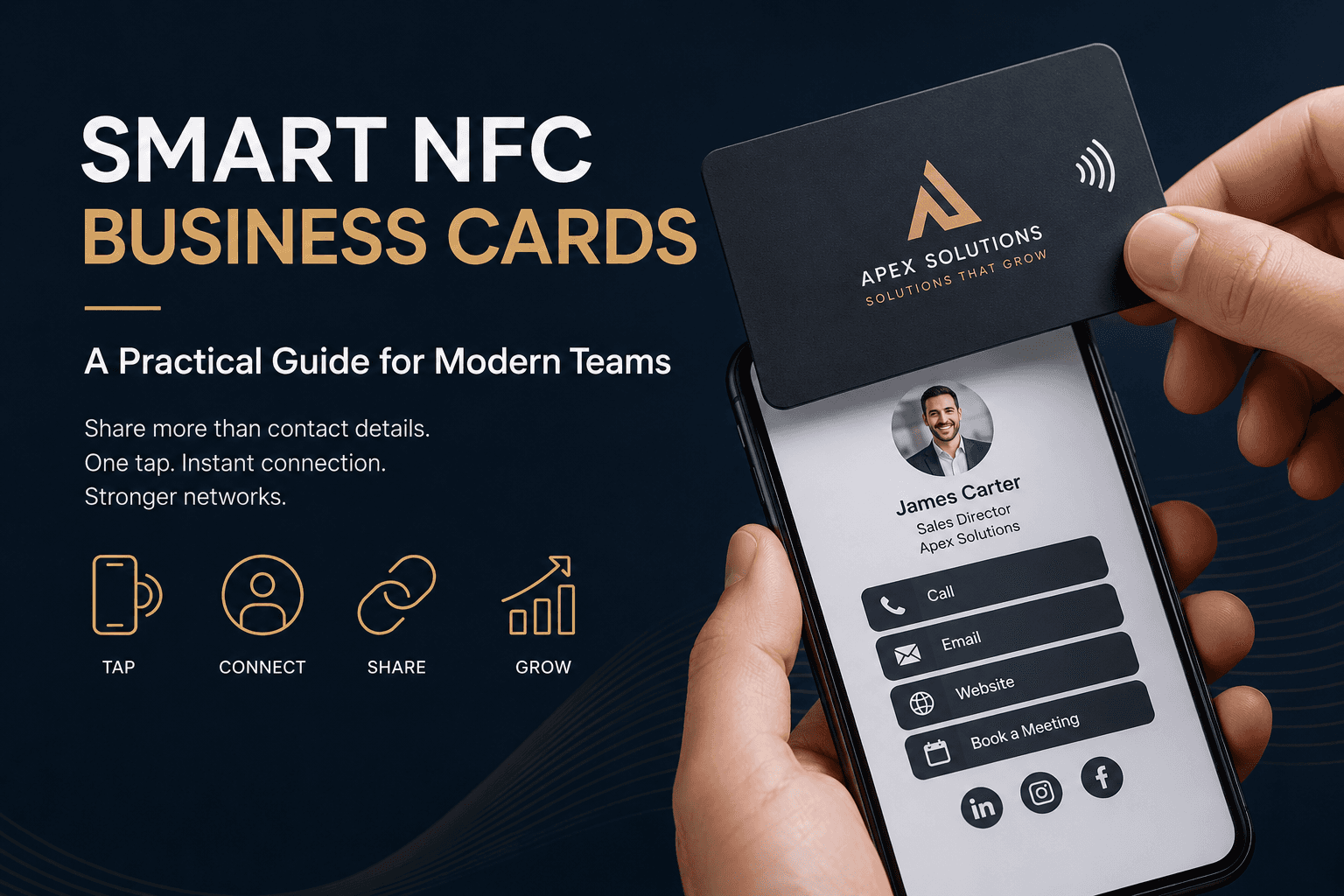
A smart card should feel simple in the hand and powerful after the tap. This guide covers the practical choices that make that happen.
What makes a business card smart
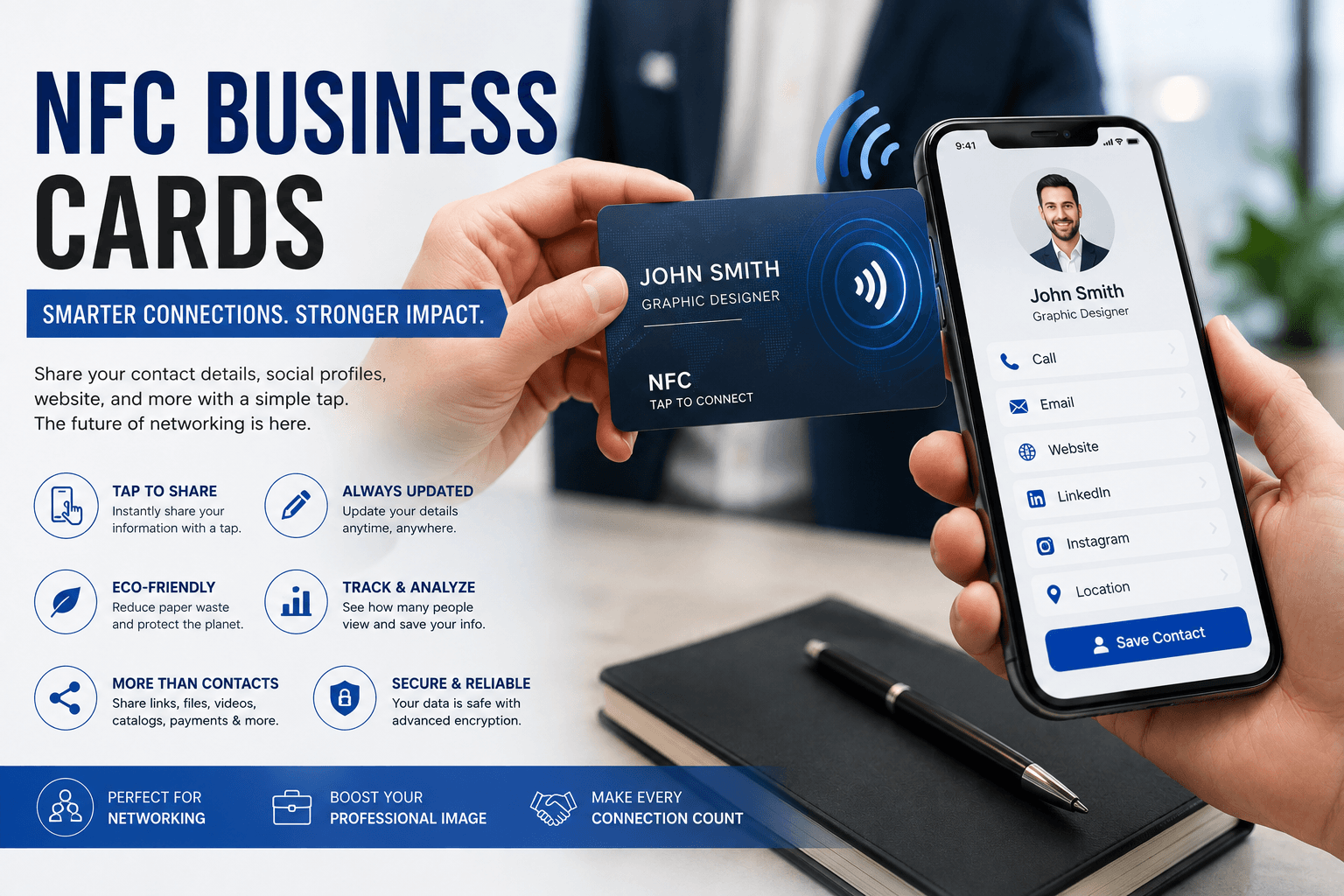
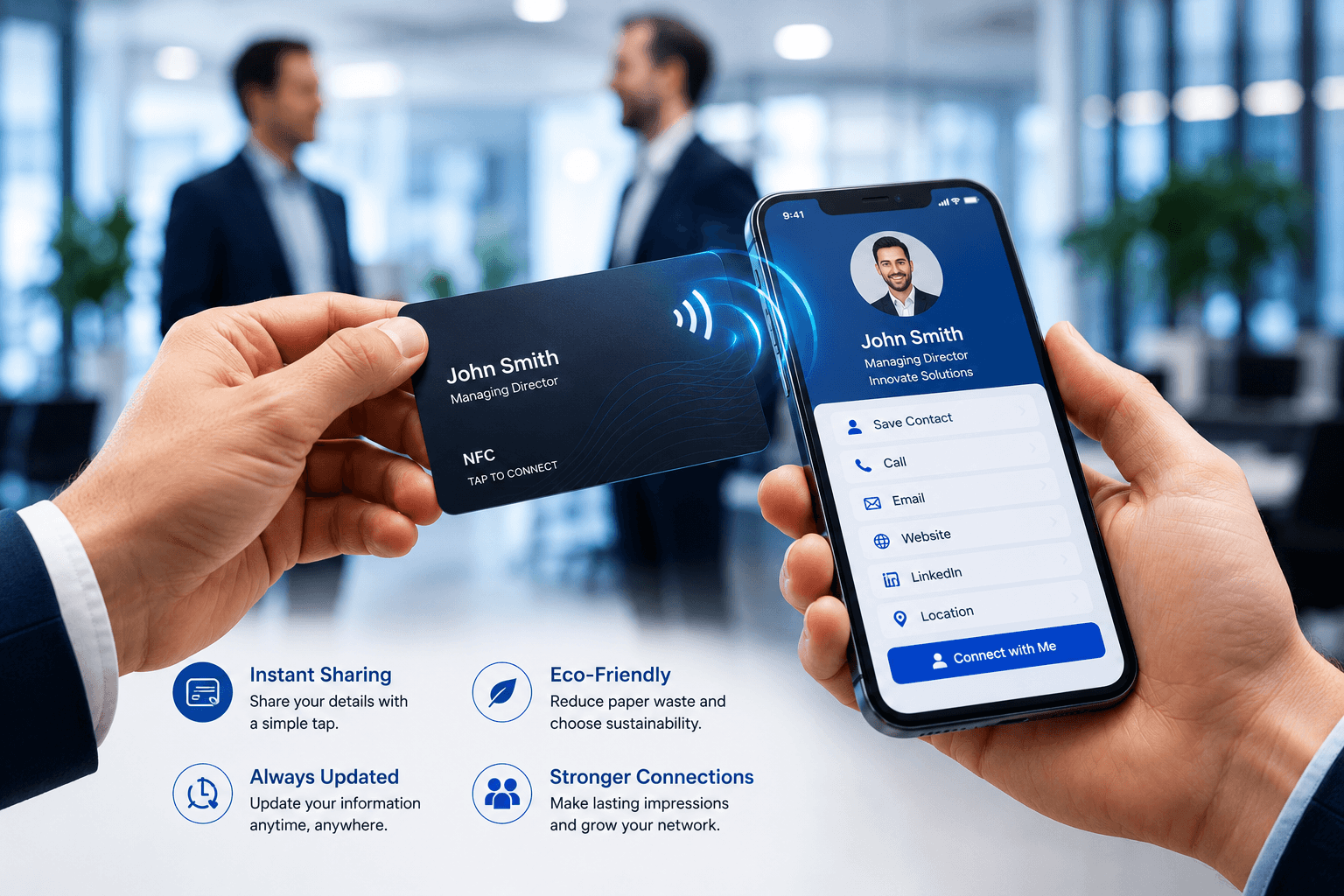
A smart NFC business card combines a printed card with a digital destination. When someone taps the card with a compatible phone, it opens a profile, website, contact file, booking page, or campaign landing page.
The printed card still carries your brand in a familiar format, but the NFC chip removes the friction of typing URLs, scanning small text, or manually saving contact details.
What to include on your digital profile
The best profiles are useful within a few seconds. Start with your name, role, company, phone, email, website, and a clear call to action.
For client-facing teams, add social links, hours, a map, a downloadable contact card, and a short introduction. Keep the profile focused so the person you met knows exactly what to do next.
- Contact details and save-to-phone action
- Website, booking, portfolio, or product links
- Social channels that are actively maintained
- A clear next step such as call, email, book, or request a quote
Why teams use NFC cards
Teams choose NFC cards because they are easier to update than reprinting every detail. If a title, phone number, campaign, or landing page changes, the digital destination can change without replacing every card.
They also create a consistent handoff after events, showroom visits, meetings, and local sales conversations. Everyone shares the same polished experience while keeping their personal details accurate.